Activities
An activity is a ride session tied to a GPX track. It is the container for segments you create along that ride.
Export GPX
Export a GPX file from:
- Garmin Connect / device
- Wahoo
- Strava (export ride)
- Any app that saves standard GPX with timestamps
Taawn uses GPX timestamps for ride date and to place segment start/end on the map.
Add Activity (3 steps)
- Metadata — name, description, select bike from Garage
- GPX — pick the
.gpxfile (required) - Photos & videos — optionally add up to 2 photos and 1 short video, then finish
Step 1 / 3
Step 1 — enter activity name, description, and select your bike from the Garage
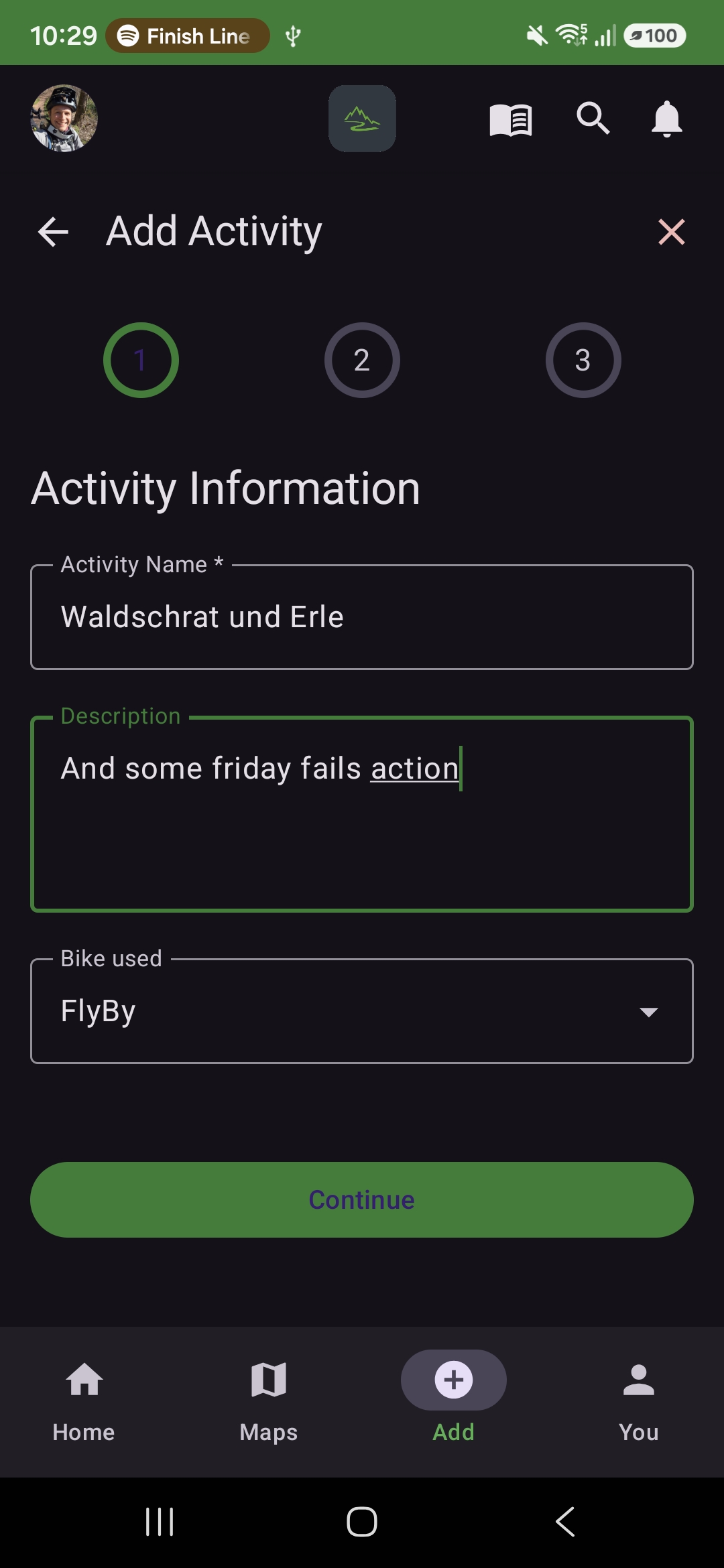
Use the arrows or dots to move through the steps
After creation
From Activity detail you can:
- Create a new segment for a section of this ride
- Open existing segments linked to this activity
- Upload a run to a segment (with activity linked)
Step 1 / 2
Details — duration, distance, elevation gain/loss, and elevation profile
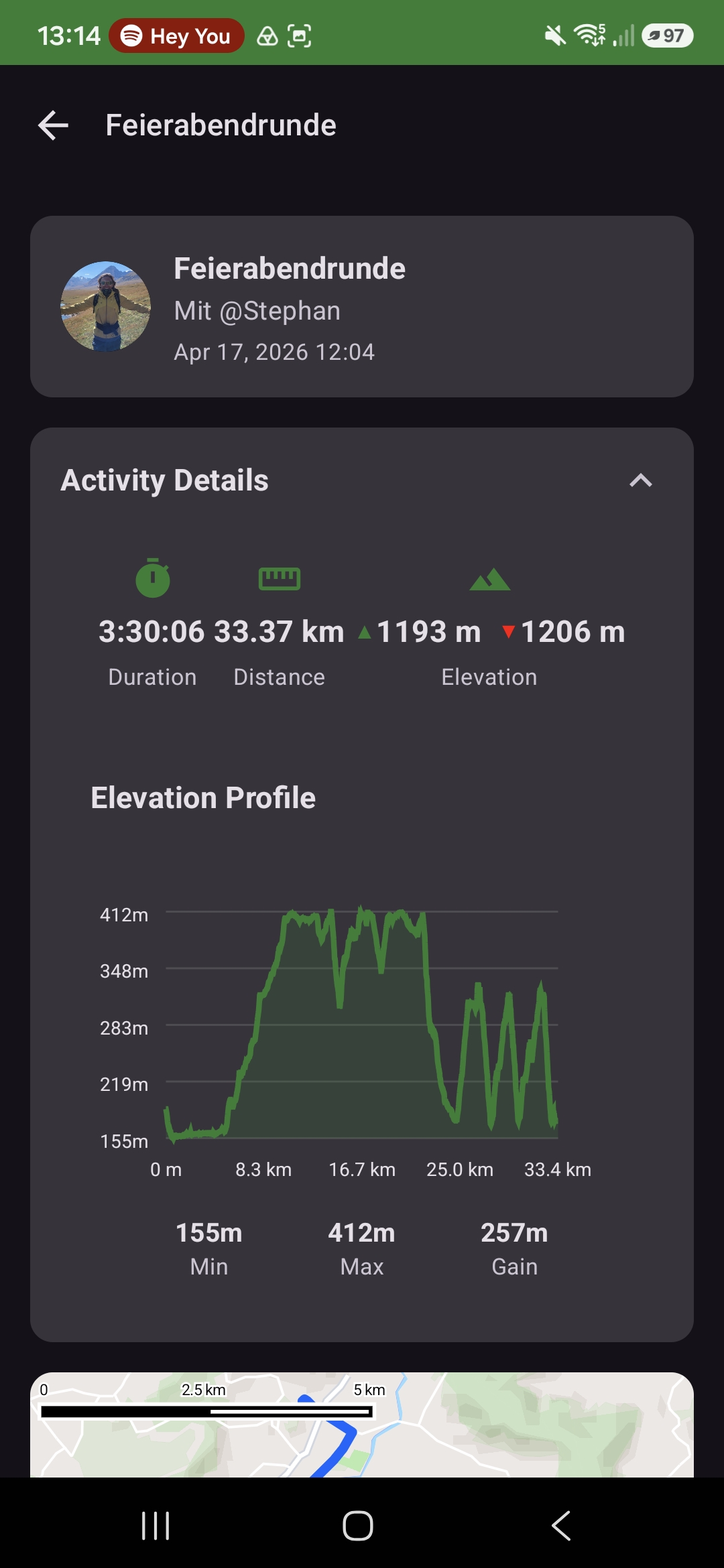
Use the arrows or dots to move through the steps
GPX is required
Segment creation always assumes you have an activity with GPX. This is how Taawn places segment start/end on the map and syncs video to your track.