Camera calibration
Why calibration?
TaawnEngine segment reconstruction and 3D run overlays need accurate camera intrinsics (focal length, distortion). Without calibration, TaawnEngine cannot reconstruct geometry reliably.
Calibration board
Taawn calibrates your GoPro using a ChArUco pattern (checkerboard with markers). Display the board below on a tablet, monitor, or print it at full size on stiff paper.
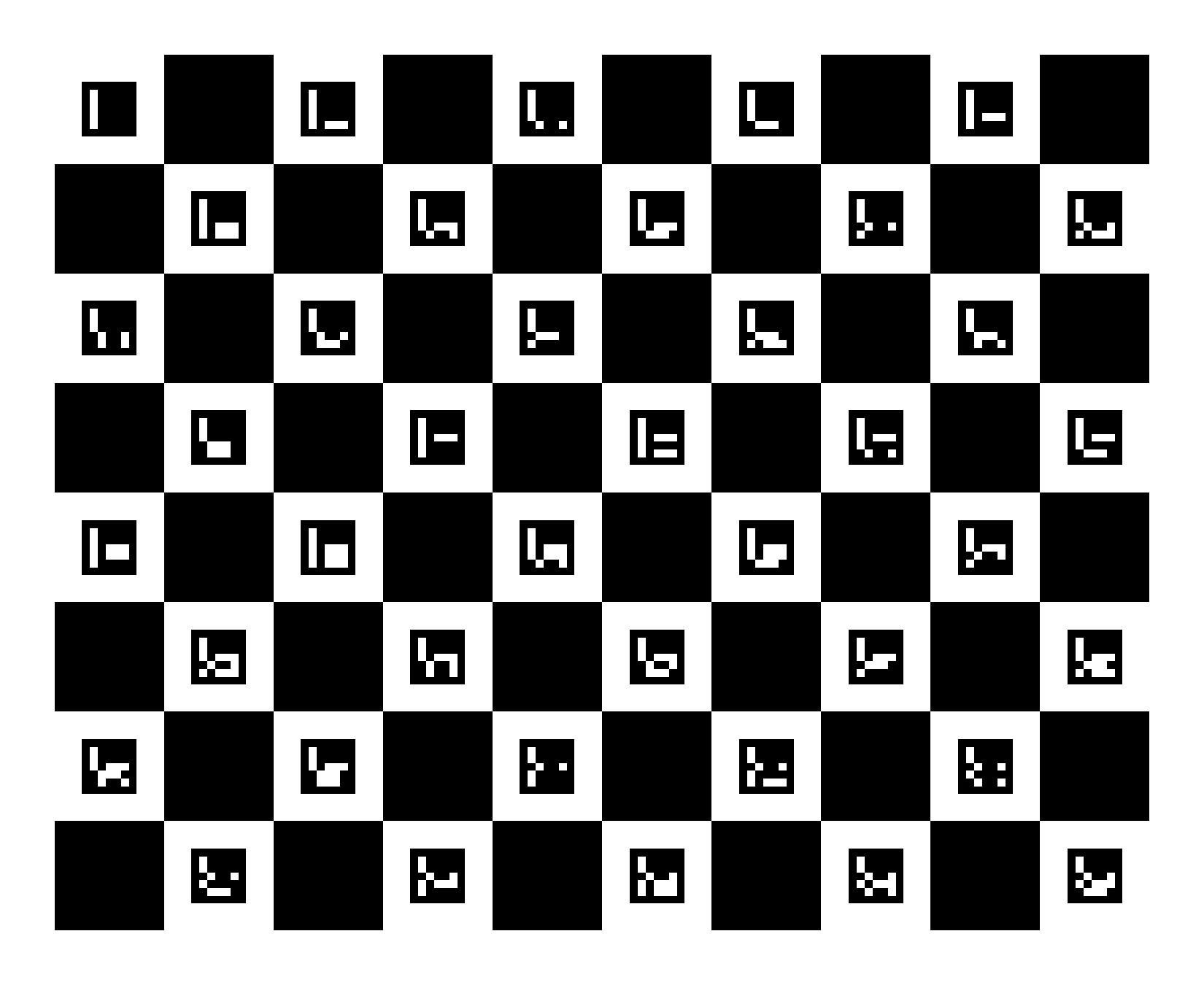
Tip
Tap Enlarge to full screen on the board, then point your GoPro at the display. The pattern should fill most of the frame.
Record a calibration video
Use the same GoPro settings as trail recording: 1080p, 25 FPS, Wide, Normal stabilization.
- Open this page on a tablet or second phone (or print the board).
- Tap Enlarge to full screen on the board above.
- Mount or hold your GoPro steadily and start recording.
- Move slowly around the board for 5–10 seconds — shift and tilt so the camera sees the pattern from several angles. Avoid fast motion (motion blur hurts calibration).
- Keep the full board visible in frame as much as possible.
- Use even lighting — avoid glare on the screen.
- Stop recording.
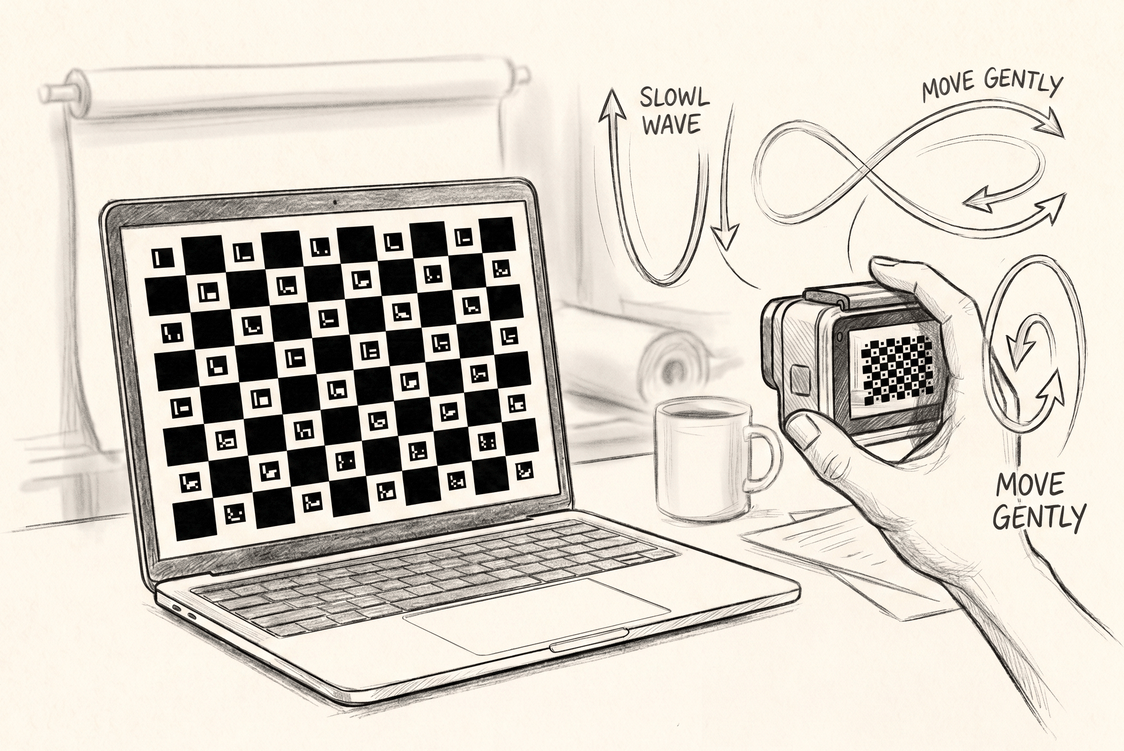
Example calibration recording
Calibrate in the app
- You → My Cameras → add your GoPro model
- Tap Select video and choose your calibration recording
- Wait for on-device calibration to finish, then save the camera
- When creating a segment or uploading a run, assign this camera
You can view calibration details or export JSON from the camera entry in My Cameras.
When calibration is checked
- Starting TaawnEngine segment reconstruction
- Enabling TaawnEngine 3D run alignment at upload
- Viewing 3D trajectory overlays
If you see “add a camera with calibration data”, open My Cameras, calibrate from video, and assign the camera to your segment or run.